Sibelius
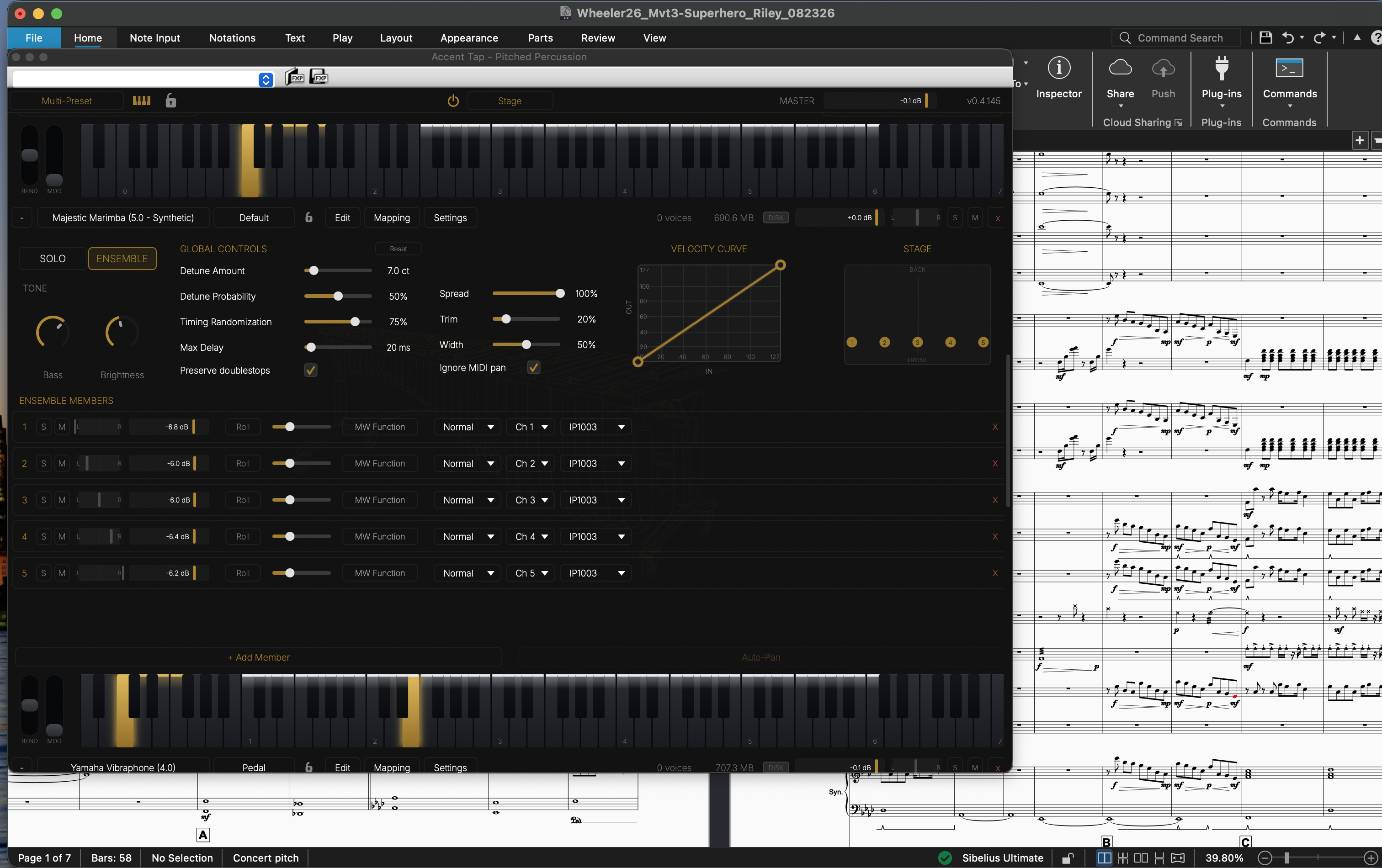
Add an Accent Tap staff, press play, and the plugin loads the instrument, groups matching staves into a section, and places everyone on the stage.
Set up once
- Restart Sibelius after installing.
- Play ▸ Setup ▸ Playback Devices — add Accent Tap - Pitched Percussion to Active Devices. Its Sound Set column should read Accent Tap. Save the configuration. Other devices (Kontakt, NotePerformer…) can stay.
- Get the instruments — either start new scores from File ▸ New ▸ Accent Tap, or import into any score: Appearance ▸ House Style ▸ Import ▸ AccentTap, ticking Instrument definitions and Playback dictionary.
Accent Tap instruments end in -AT! in the instrument list.
Write
| In the score | You hear |
|---|---|
A mallet name as Technique text (e.g. IP1003) |
That mallet. Names are listed in the plugin's Keyswitches. |
| Three-slash tremolo | A roll. Hairpins through it swell the strikes. |
| Staccato or X notehead | Deadstroke |
| + (mute) articulation | Shaft stroke |
| Dynamics | Harder or softer strikes |
| Ped. lines | The damper pedal (vibraphone, chimes, pedal glockenspiel) |
Deadstroke and shaft work on the marimbas, vibraphones and xylophone. One- and two-slash tremolos are played by Sibelius as repeated notes.
Both staves of a grand staff share one channel, so they roll and switch technique together.
Press play
- Each instrument gets a slot; several staves of one instrument become one ensemble, one member per staff.
- The first play after opening a score reloads everything to match it. Deleting a staff removes its instrument; soloing or muting a staff changes nothing.
- The lock in a slot header (or the top bar) keeps that slot as it is.
For pedal instruments, the Pedal preset follows Ped. lines; the Note Length preset rings for as long as the written note.
Converting an existing score
Moving a score written for other instruments onto Accent Tap is its own walkthrough: Converting a Score.
When a staff plays the wrong sound
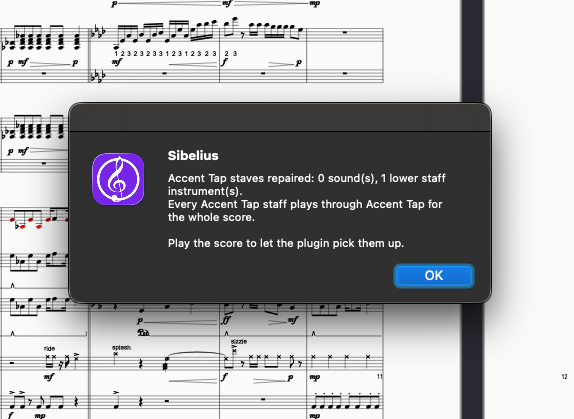
Run Home ▸ Plug-ins ▸ Accent Tap ▸ Assign Accent Tap Instruments. It repairs every Accent Tap staff and reports any that still play through another device, with the bar. For those, set the staff's Device to Accent Tap in the Mixer.
The plugin also warns in a banner under its top bar:
- No sound set detected — assign the Accent Tap sound set to the device (step 2).
- Sound set does not match this library — reinstall from the Hub.
- No MIDI reaching this instrument — the staff is routed to another device; run Assign.
Program numbers
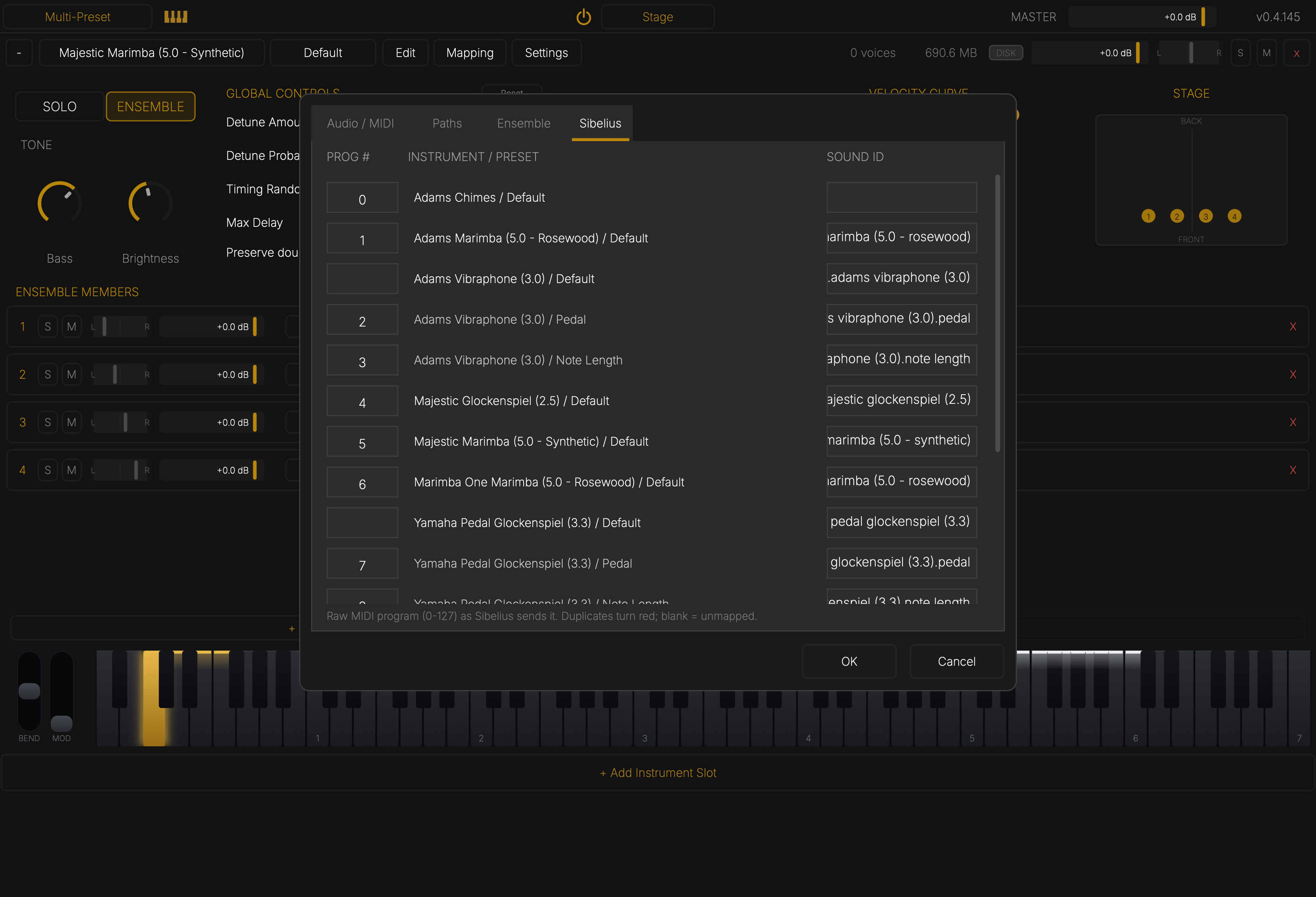
Settings ▸ Sibelius lists every instrument and preset with the MIDI program and Sound ID Sibelius uses. You only need it if you add your own instruments.