Getting Started
Accent Tap — Pitched Percussion is a sampled instrument player for concert and marching percussion writing. It runs as a standalone app, an AU plugin, and a VST3 plugin on macOS (Intel and Apple Silicon), and it is built to pair tightly with Sibelius: add a staff, press play, and the right instrument loads itself.
Installation
Everything installs through the free Accent Tap Hub:
- Download the Hub from accenttap.com and drag it to Applications.
- Sign in (or create an account). Products you own appear in My Products.
- Click Install on Pitched Percussion. The Hub downloads and places everything:
| What | Where it goes |
|---|---|
| VST3 plugin | /Library/Audio/Plug-Ins/VST3 |
| AU plugin | /Library/Audio/Plug-Ins/Components |
| Standalone app | /Applications |
| Instrument library (samples, presets) | ~/Music/Accent Tap/SamplerInstruments |
| Sibelius sound set | ~/Library/Application Support/Avid/Sibelius/Sounds |
Sibelius house style (AccentTap.lib) |
next to the instrument library, in Sibelius/ |
Updates work the same way — when the Update badge appears in the Hub, one click installs it. App updates are small; the sample library is only re-downloaded when the library itself has changed.
First launch
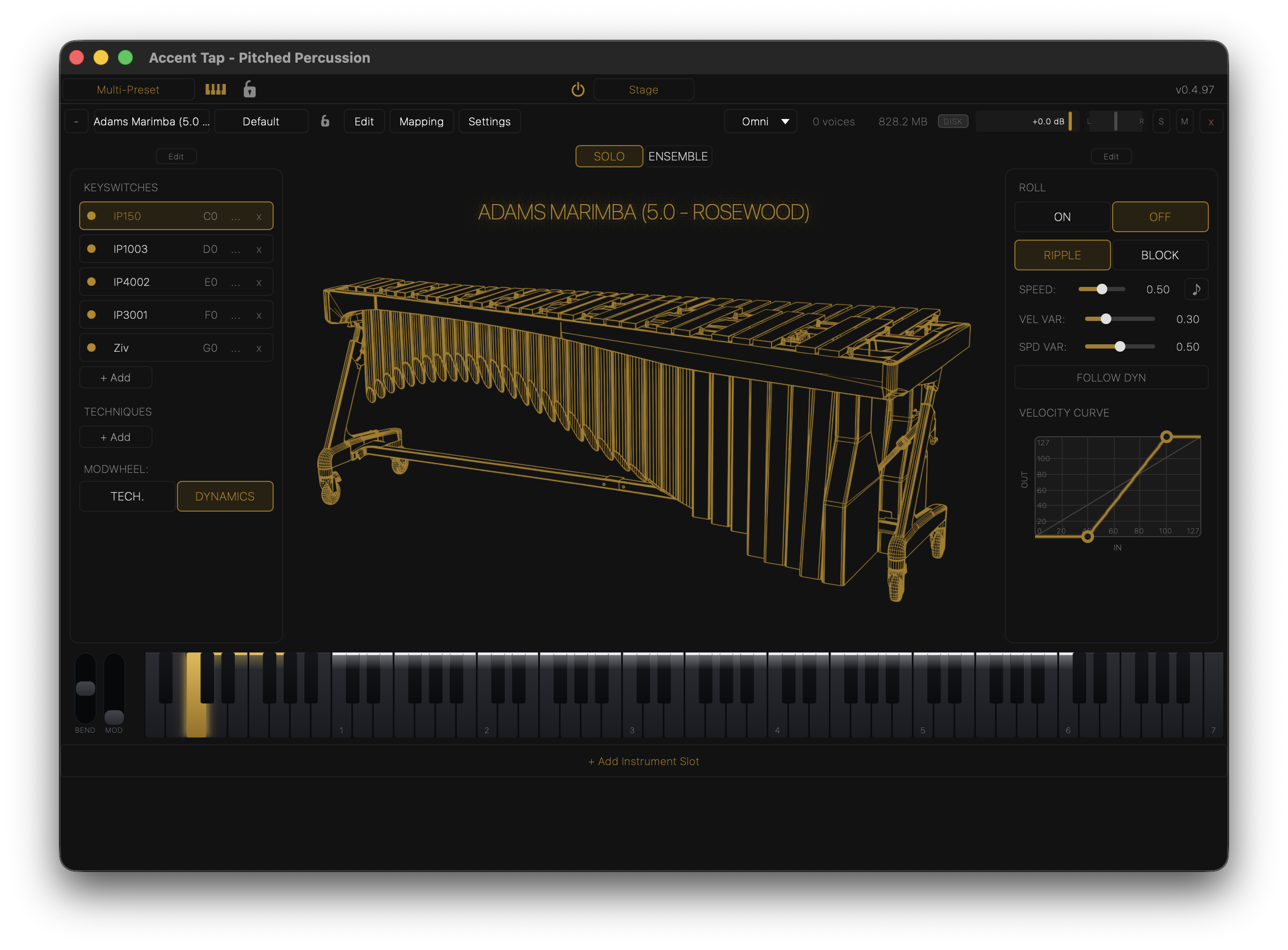
Open the standalone app (or add the plugin to a track in your DAW). You'll see one empty instrument slot. Click the Instrument dropdown in the slot header and pick an instrument — it loads with its default preset, and the on-screen keyboard lights up the playable range in gold.
Three ways to play:
- MIDI keyboard — the standalone listens to all connected MIDI inputs; the plugin receives MIDI from its track.
- On-screen keyboard — click the keys at the bottom of the window.
- Type-to-play — your computer keyboard plays notes. Click the small keyboard icon in the top bar for the key reference (letter keys play, C/V lower/raise velocity, Space works the sustain pedal for instruments that use one).
The window at a glance
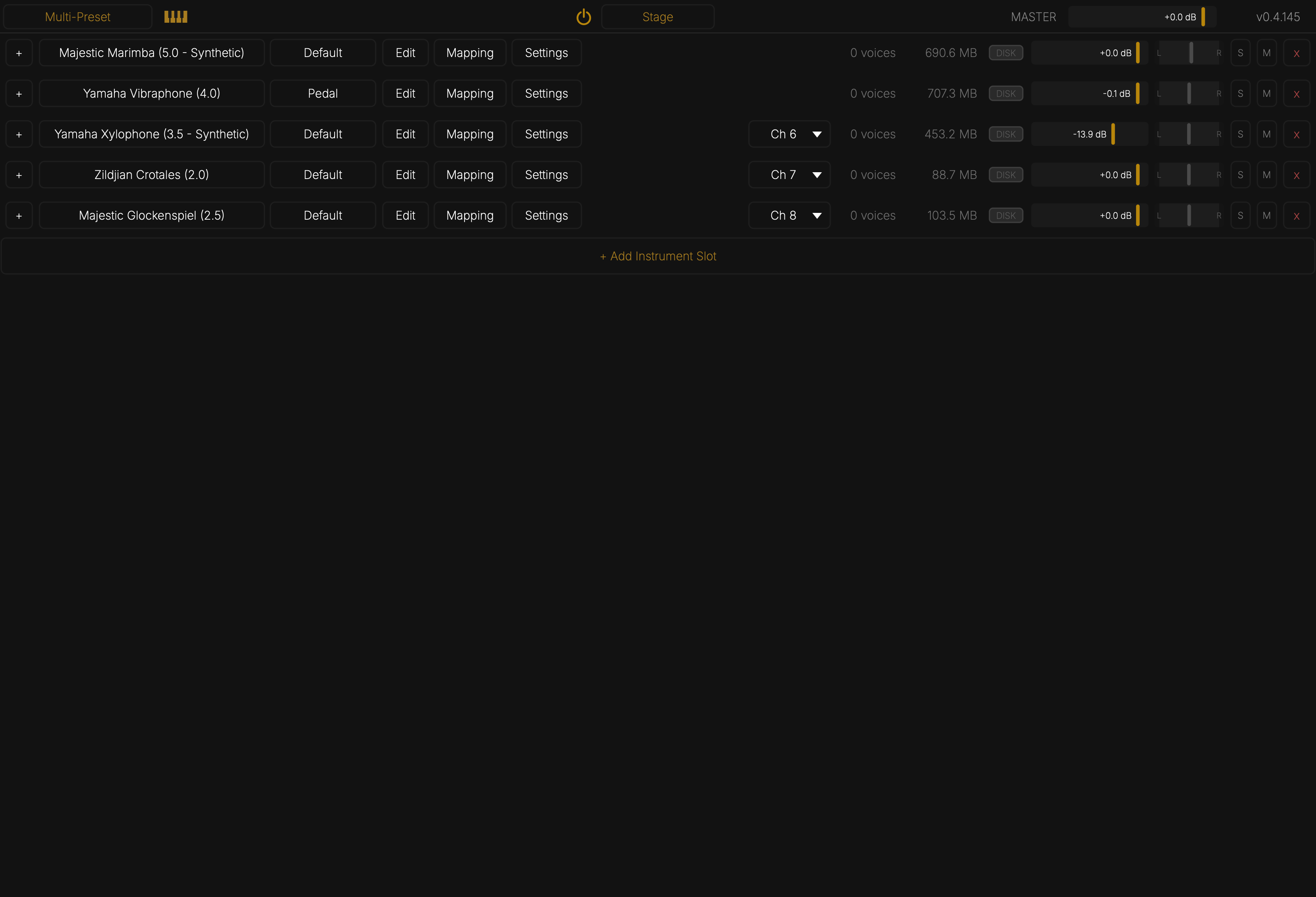
- Top bar — Multi-Preset menu, type-to-play reference, plugin-level lock, the Stage power button and page toggle, and the version number.
- Instrument slot header — instrument and preset dropdowns, per-instrument lock, the three view buttons (Edit, Mapping, Settings), MIDI channel selector, live voice count and RAM use, output volume, pan, and Solo/Mute.
- Main area — the instrument view (performance controls), or the Edit / Mapping views when those are open.
- Bottom — pitch bend and mod wheels, the keyboard, and + Add Instrument Slot.
Add as many instrument slots as your session needs — each is an independent instrument with its own settings, presets, and MIDI channel routing.
Where your content lives
The instrument library folder (set in Settings → Paths) holds every installed
instrument: an .inst definition, an .spc sample container, a .presets file, and
the shared ProgramMap.json used by Sibelius auto-load. Instruments you save yourself
go to the same folder unless you choose otherwise.